Mango Chat — Setup & Usage Guide
About Mango Chat
Free, open-source voice dictation for Windows.
Built in Rust. Under 50 MB of memory. Speak into any application—Mango Chat streams your audio to your chosen provider and transcribes in real time.
Supports Deepgram, AssemblyAI, OpenAI Realtime, and ElevenLabs—all via WebSocket for ultra-low-latency results.
Deepgram and AssemblyAI offer a combined $250+ in free credits—that's 700+ hours of dictation, no credit card required.
Download
Get the latest release from GitHub:
Latest Release- Windows 10 / 11
- No admin privileges required
- ~8 MB installer
Installation & Getting Started
- Download
MangoChat-Setup-Latest.exefrom the latest release link - Run the installer — no admin privileges needed
- Accept defaults or change the install path
- Click Install, then Finish
- Search
Mango Chatin the Windows search bar to launch the app
Settings are stored in %LOCALAPPDATA%\MangoChat\. Uninstalling preserves your settings and keys.
Configuration
- Open Settings (gear icon)
- Go to Providers
- Select a provider (Deepgram, AssemblyAI, OpenAI, or ElevenLabs)
- Paste your API key
- Click Verify to test the connection
- Click Save — you're done
API keys are encrypted with Windows DPAPI. Never stored in plain text.
Features
- Screenshot capture — Right Alt to snip, three clipboard modes: copy path for terminals (paste into Claude Code, Codex), copy image for browsers and chat, or copy & edit to annotate first. No save dialogs, no file dragging.
- Session safeguards — configurable max session length and inactivity timeout to prevent runaway provider costs
- Voice commands — built-in commands like
enter,back,undo,copy,paste, and more - Browser commands — open URLs by voice (e.g. "open github" launches a site in your chosen browser)
- Program launcher — say a single word to open any app. Just say
cursororchromeon its own—no prefix needed. Map any word to an .exe path in Settings. - Text aliases — create text shortcuts that expand on dictation (e.g. "my email" types your address)
- Appearance — change color theme, window opacity, and anchor position
- Noise suppression — High (recommended) or Low. Filters background noise before sending audio to your provider.
Tips
Mango Chat is designed to bridge the gap between your voice and your tools—whether it's a coding agent, a research assistant, or any AI-powered application.
- Speak naturally — don't worry about perfect transcription. AI tools like Claude and ChatGPT are smart enough to understand your intent from context, even with minor errors.
- Don't redo, just correct — if you misspeak or see an error, don't start over. Simply say your correction and keep going. The AI will understand.
- Keep sentences short — speak in short, focused sentences. This produces cleaner transcripts and faster responses.
- Say
enterwhen ready — this sends your input to the active application. Think of it as pressing the submit button with your voice. - Commands must be standalone — voice commands like
cursor,chrome,undo, oropen githubonly trigger when spoken by themselves, not as part of a sentence. - Combine with screenshots — dictate to your AI, take a quick screenshot with Right Alt, and let the AI see what you see. Voice + visuals is a powerful workflow.
Screenshots
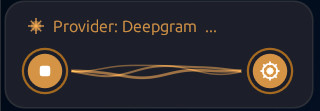 Compact View
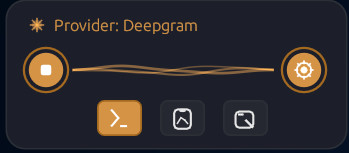 With Screenshot Tools
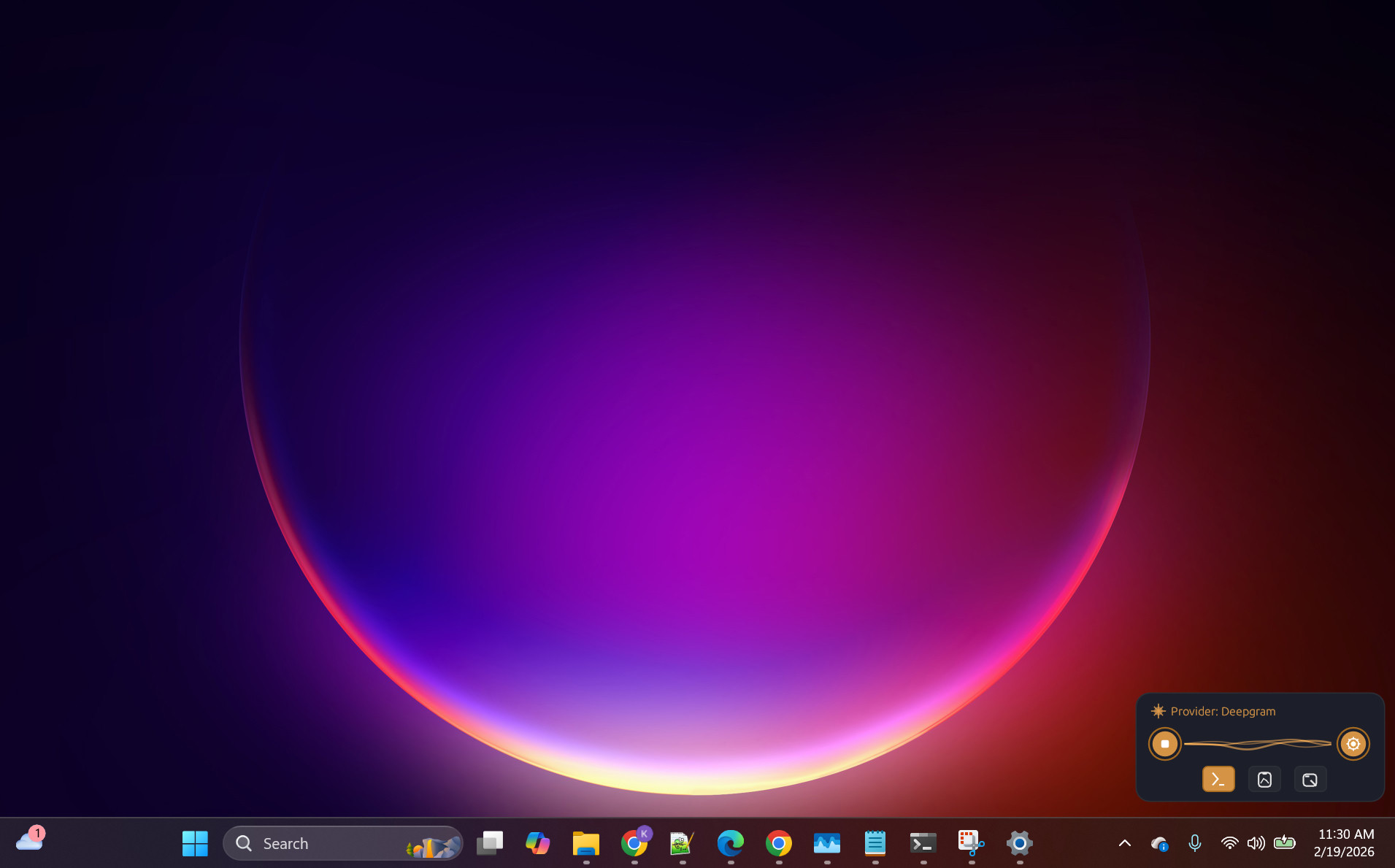 Desktop — Minimal Footprint
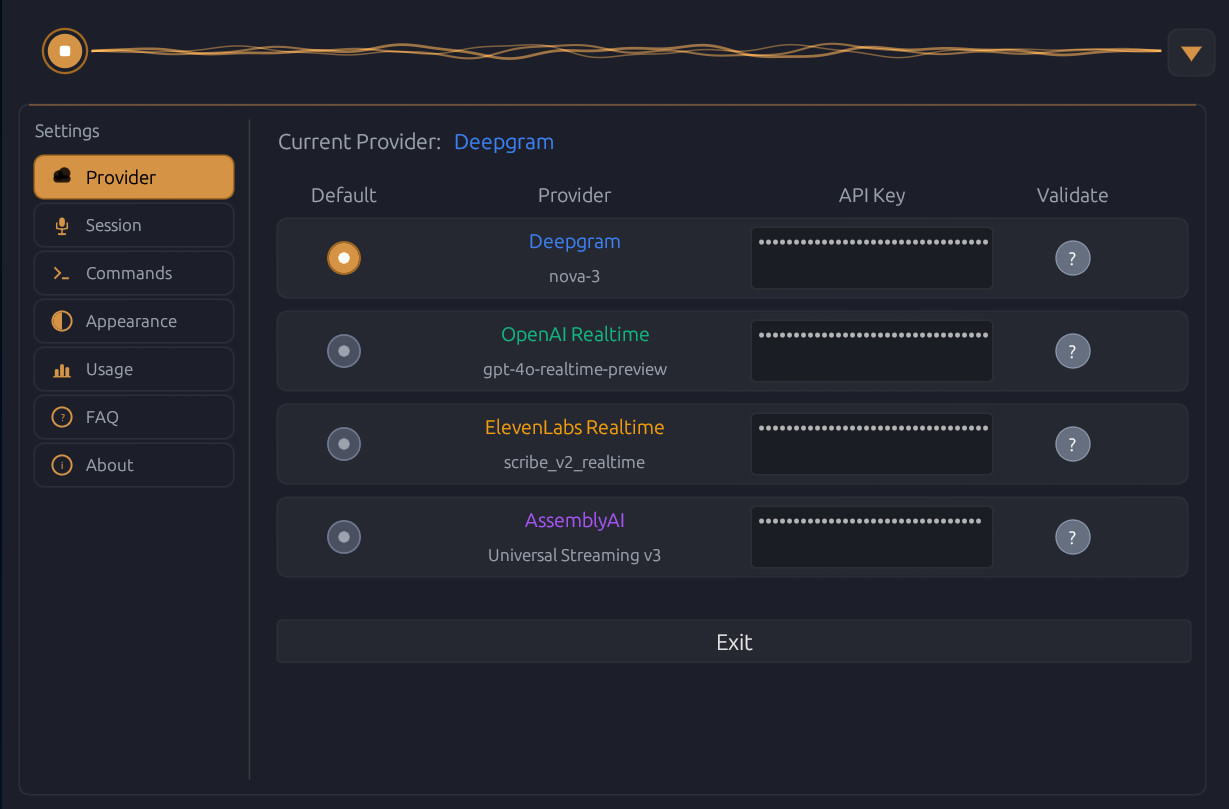 Provider Settings
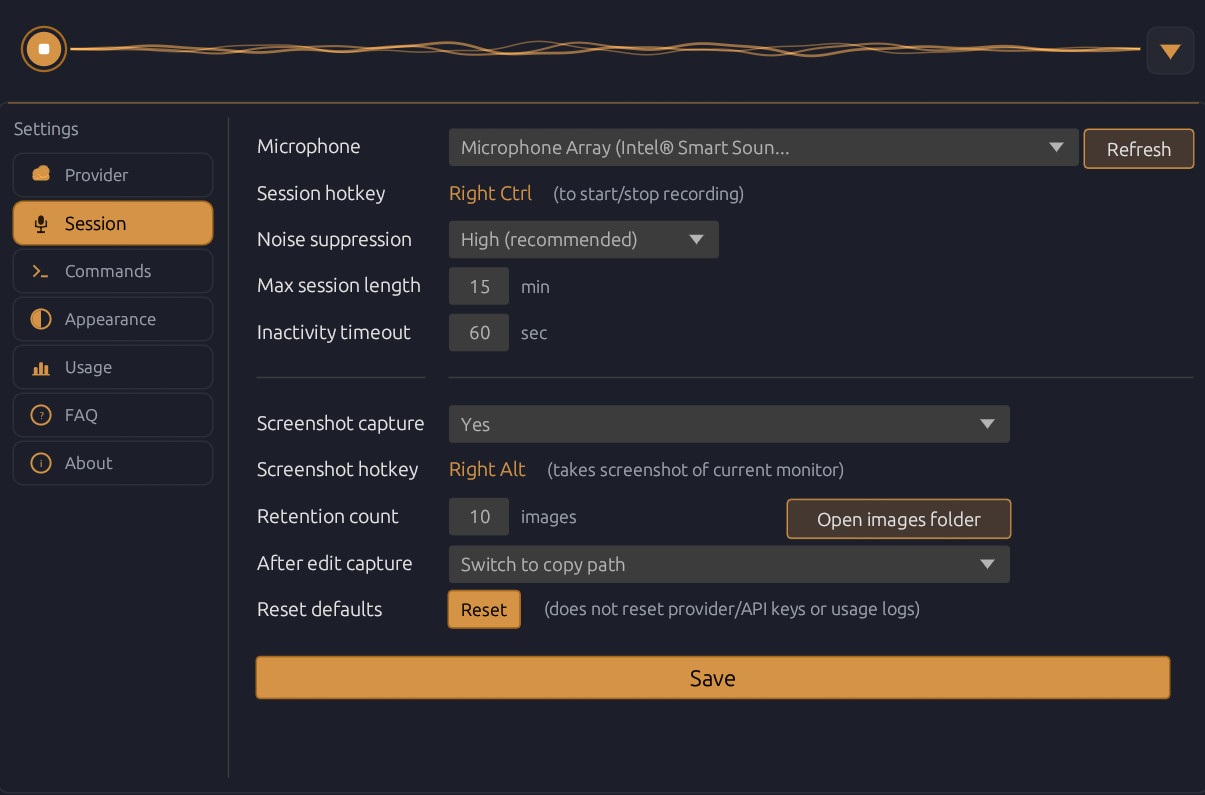 Session Settings
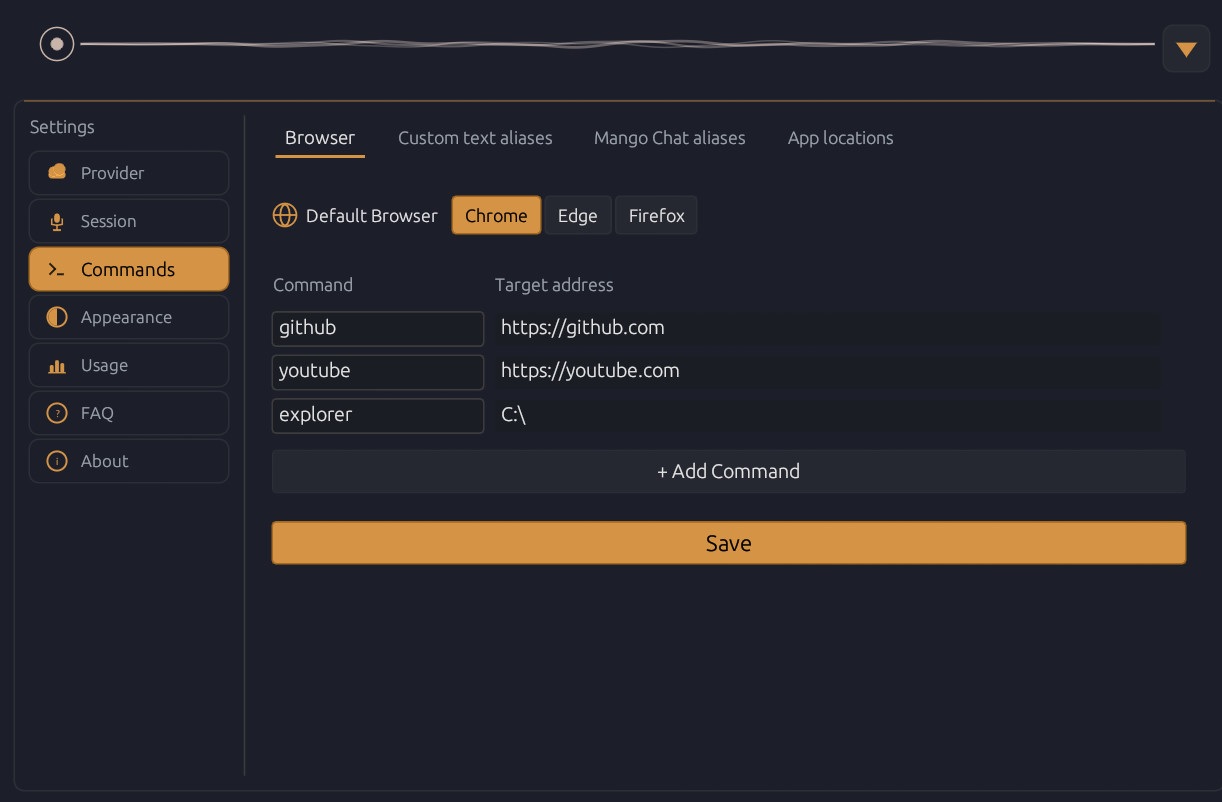 Browser Commands
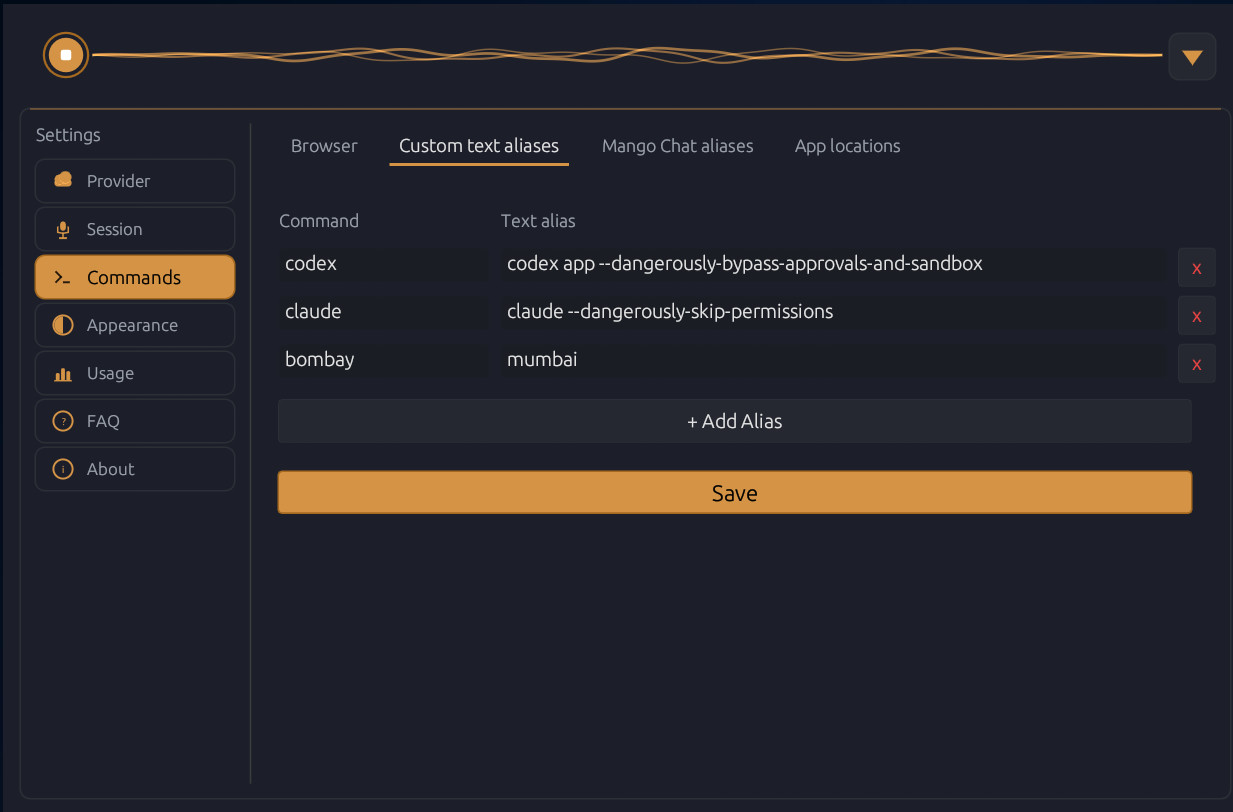 Custom Text Aliases
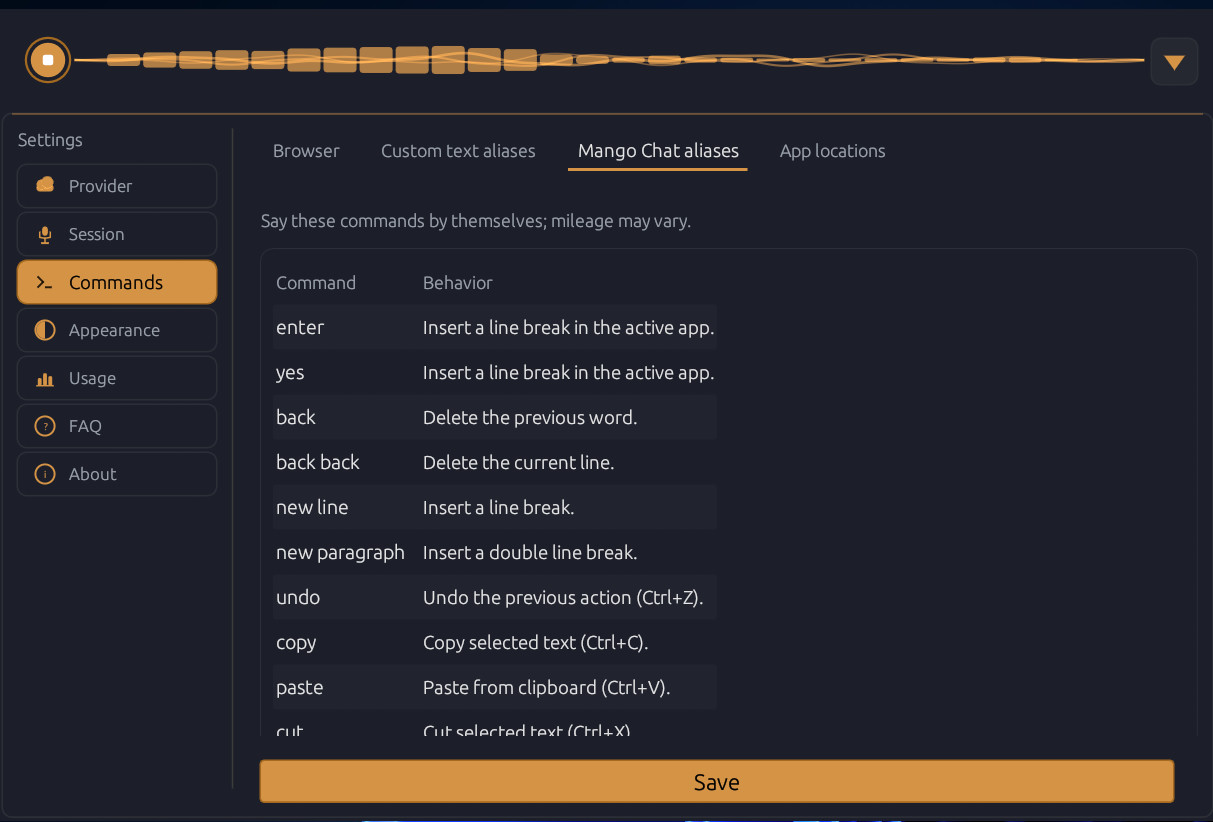 Voice Commands
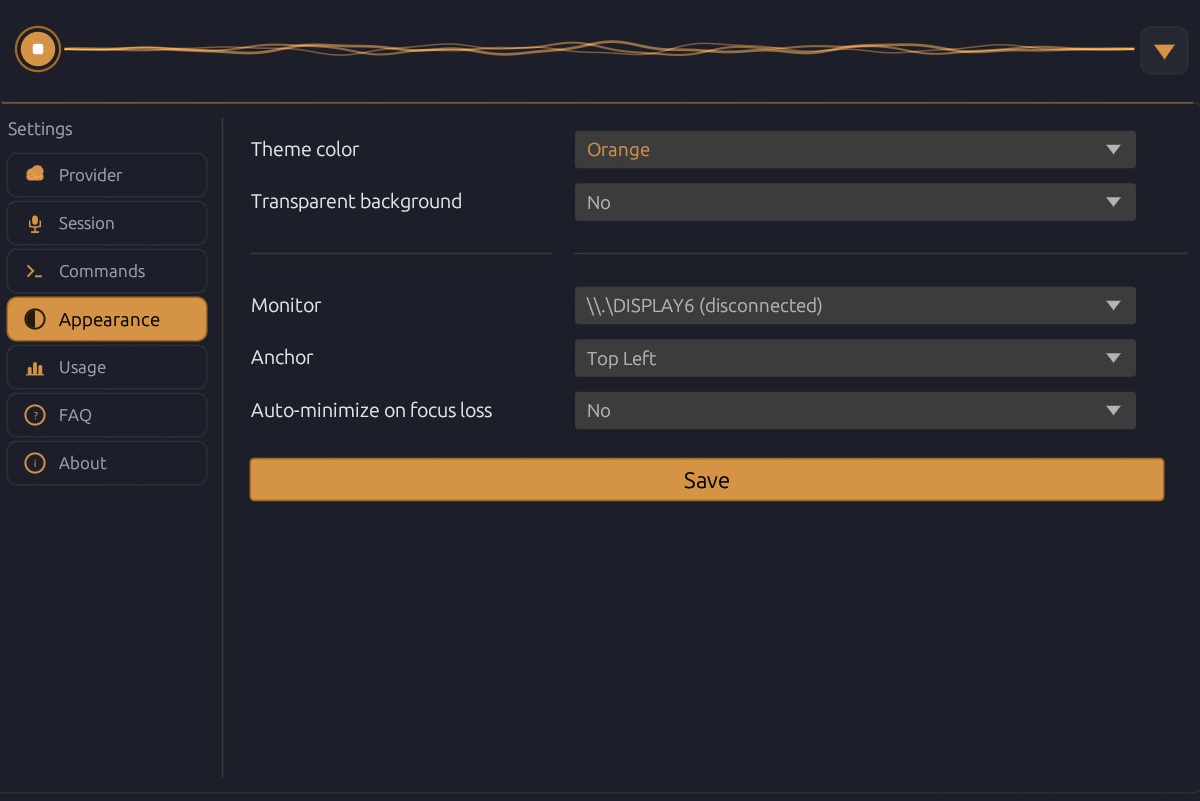 Appearance
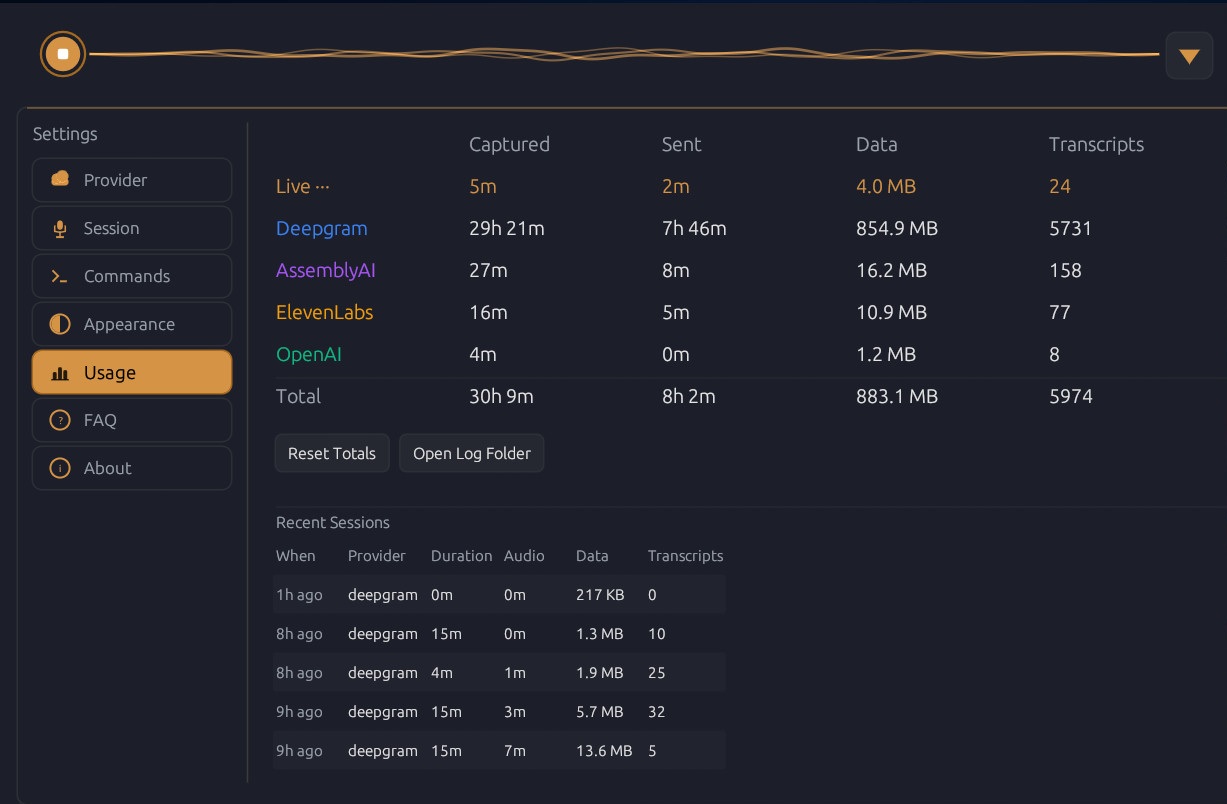 Usage Dashboard
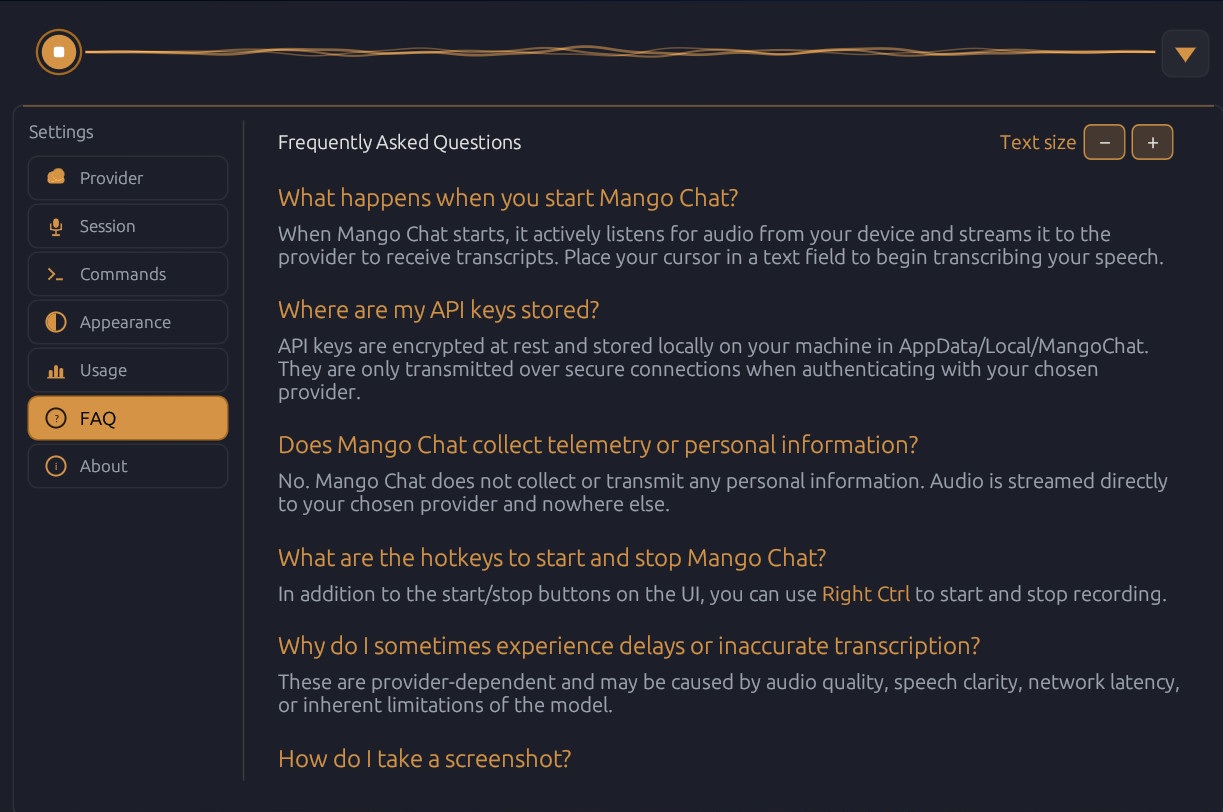 In-App FAQ
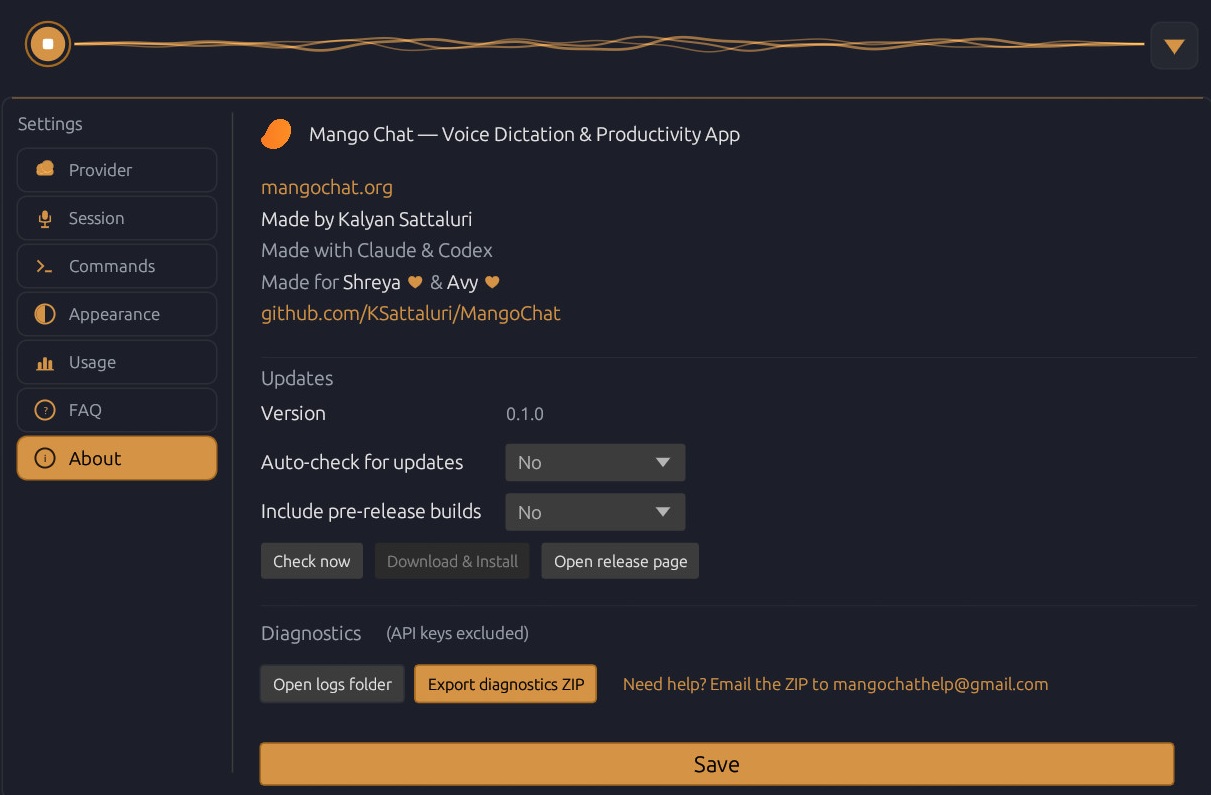 About & Updates
FAQ
Right Ctrl to start and stop recording. Right Alt to capture a screenshot. Both can be enabled or disabled in Settings.AppData/Local/MangoChat. Only transmitted over secure connections when authenticating with your chosen provider.enter, new line, back, undo, redo, copy, paste, cut, select all. Define custom aliases and URL commands in Settings.Right Alt, then drag to select the region.